Realistic sky image generator: backgrounds and wallpapers
Sky Studyo renders realistic sky images in your browser. Set the clouds, weather, light and time of day, or start from the real sky over any place, then save it as a PNG, JPG, layered SVG or a time-lapse video. It is free, with no sign-up and no watermark.
Render a sky in four steps
- Start from a real sky: pick a place and time, or press Surprise me for a random one.
- Shape it: six cloud types, eleven kinds of weather, twelve sky phenomena, the aurora, haze and the Sun, Moon and stars. Each has a shuffle button for a new variation.
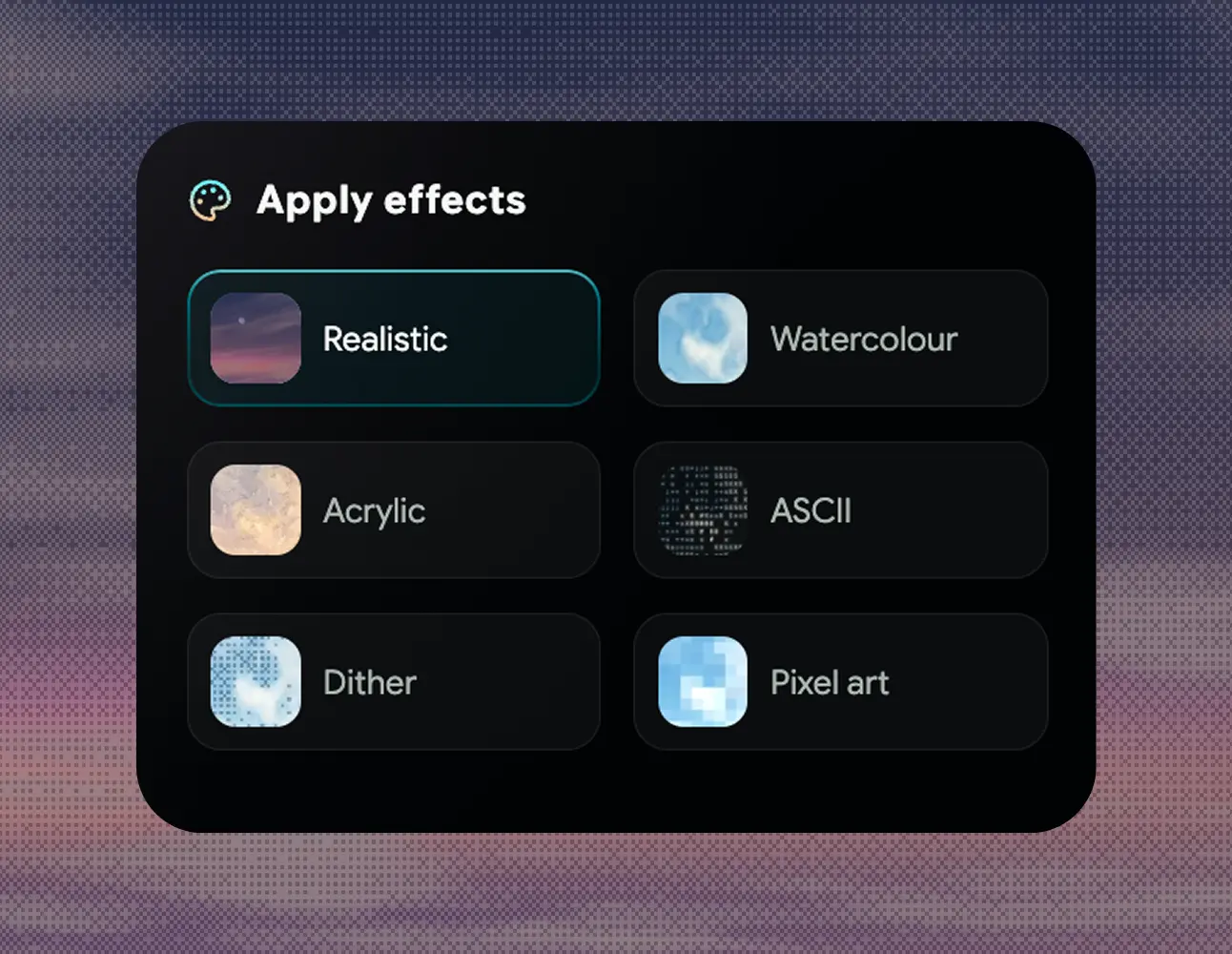
- Give it a look: a realistic, watercolour, acrylic, pixel-art, dithered or ASCII style, and sixteen adjustments, from brightness and contrast to noise, glow and vignette.
- Save it from the Export menu.
What you can save
| Format | What you get |
|---|---|
| PNG or JPG | 2560 px wide: 2560 × 1440 (16:9), 2560 × 1600 (16:10) or 2560 × 1097 (21:9 ultrawide) |
| Layered SVG | Sky gradient, stars, Sun and Moon as vectors; clouds, aurora, weather and style as separate images with transparency |
| Time-lapse MP4 | A full day of the sky in 3, 6 or 9 seconds, 30 fps |
| Recording | The moving sky as you see it, with its sound |
| Embed | The live sky on your own website |
Images are always drawn at full quality, whatever your screen or graphics chip could afford for the preview. The place and time line can be added to the picture or left off.
Six styles
What people make with it
- Desktop and laptop wallpapers, including ultrawide.
- Backgrounds for slides, websites, videos and social posts.
- Sky replacement in photo editing, using the cloud layer's transparency from the SVG.
- Reference for painters, illustrators and 3D artists: how the light, haze and cloud colour change through a real day at a real place.
- Mood boards for film, games and architecture, with the right weather and time of day.
Frequently asked questions
Is Sky Studyo an AI image generator?
No. Every sky is rendered in your browser by a sky renderer that models sunlight, clouds, haze and weather, not generated by AI from a prompt. You set the scene with controls, so you can change one thing at a time and get the same sky again.
What size are the sky images?
Images are 2560 pixels wide: 2560 by 1440 at 16:9, 2560 by 1600 at 16:10, or 2560 by 1097 at 21:9 ultrawide. The sky widens its field of view to fit the ratio, so nothing is cropped or stretched.
Can I use it to make a sky wallpaper or background?
Yes. Choose 16:9 or 16:10 for most laptop and desktop screens, or 21:9 for an ultrawide monitor, then save a PNG or JPG.
Can I edit the sky in Figma, Illustrator or Photoshop?
Yes. The layered SVG keeps every part of the sky separate: the sky gradient, stars, Sun and Moon as editable vectors, and the clouds, aurora, weather and style as their own images with transparency, which helps for sky replacement.
Can I make a sky time-lapse video?
Yes. Export video renders a full day of the sky as a 3, 6 or 9 second MP4 at 30 frames per second. To capture the moving sky with its sound instead, use Record sky.